for Playstation 2 - PS2 to HDMI Adapter Converter Output 1080P TV (Read Listing)
for Playstation 2 - PS2 to HDMI Adapter Converter Output 1080P TV (Read Listing)
Couldn't load pickup availability
This is a brilliant little gadget that we use ourselves!
*IMPORTANT INFORMATION: Please read the listing as this device can be tricky to use and is not plug and play - There is a few steps to make this device work:
- 1) It is not suitable for some TV's - Please check your TV is suitable prior to purchase - The device needs USB 5v power output from your TV. Some TV's only have 2v USB sockets and these will NOT work!
- 2) The console needs to be in YPbPr/YCbCr mode in your consoles settings - As default this is set to RGB and this will NOT work! - You need to change this manually before using this device!
- So....If you don't have 5v USB output sockets on your TV or don't set your console settings prior to using this adapter - IT WILL NOT WORK - You will see a black screen (out of range / no connection)
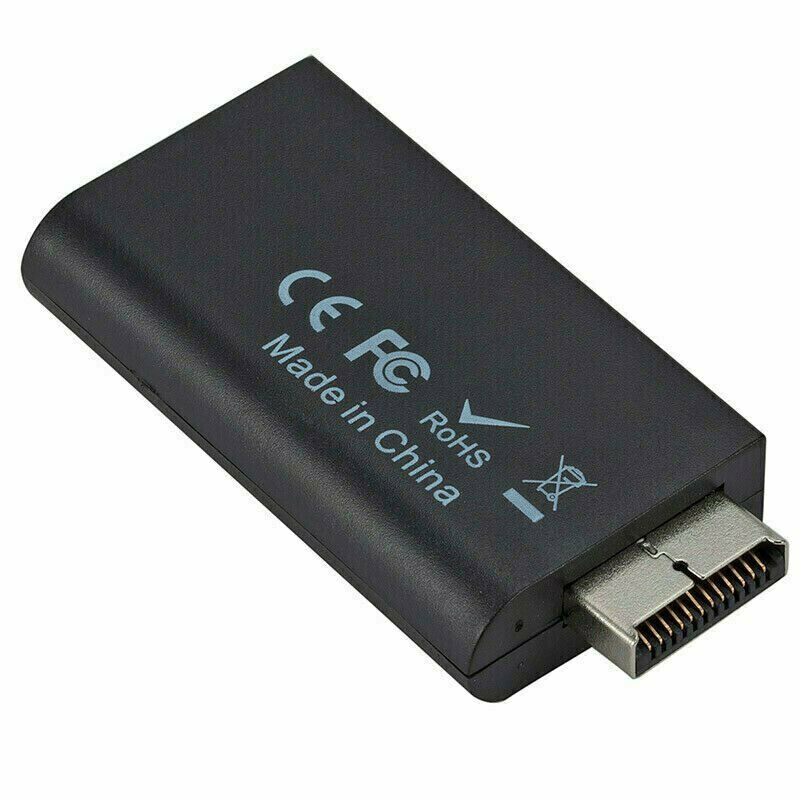
This device plugs into the output socket on your PS2 console and lets you use any standard HDMI lead to connect to the TV instead of having to fiddle around with the older cables which are also lesser quality. It allows the 480p/520i image to be displayed on a 1080p full HD. It will not magically make your graphics looks better. This is impossible!
No need for any extra power input, or anything. Just plug straight into your TV and away you go. Once you switch to HDMI you won't go back!
- Brand new
- HDMI 1080p or 720p format and supports all Wii display modes
- Supports all standard PS2 modes also: PAL: 576i / NTSC: 480p
- Works with any Playstation 2 console worldwide including Slim consoles
- 3.5mm standard audio jack for audio output to external speakers or PC monitors if required (You don't need this when using with your TV as standard HDMI carries audio)
- With just one HDMI cable (sold separately), plug and play for true-to-life video/audio effects on your HDTV/monitor
Instructions for usage:
- Before using the HDMI adapter, please connect your PS2 via standard old cable method and go into settings on the console. Set the PS2 output mode in the settings to YPbPr/YCbCr. If this isn't done before using the HDMI adapter, it will not work and you will see a black screen.
- Please make sure you have used the USB lead provided to give power to the device. Your TV USB socket must allow an output of 5v. Some TV's don't have this - Please check prior to purchase.


.
YOU MAY ALSO LIKE


.